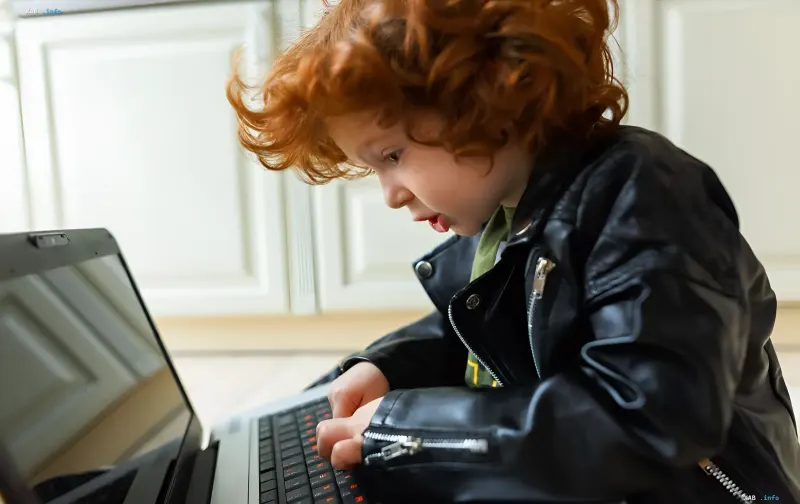
OpenAI has unveiled a special ChatGPT for Teens edition with enhanced safety measures, yet experts warn that the default restrictions are not enough. In their view, parents need to manually adjust key access settings so that a teenager's conversations with the neural network remain safe and do not turn into a source of excessive emotional attachment. RBC-Ukraine, citing Engadget, has broken down the basic settings for safe communication between a child and AI, and which toggles should be switched first.
How to Link Accounts and What This Unlocks for Parents
To activate parental controls, you need to combine profiles in the app or the web version of the service. Once the child confirms, their name appears in the family list; the teenager can also initiate the linking themselves by selecting the 'My parent or guardian' option. It is important to understand the time horizon: as soon as the user reaches the age of majority, OpenAI sends a message to both parties, after which the link between accounts and all parental restrictions are automatically removed. After the accounts are linked, parents gain access to a panel with the main management parameters.
What Is Enabled by Default and Why That Is Risky
The panel has several controversial features enabled by default. The 'Reduce sensitive content' parameter blocks unwanted material and is on by default. The 'Improve the model for everyone' option allows OpenAI to train the AI on the child's conversations — it is also enabled by default. 'Reference saved memories,' which governs responses based on past chats, may be enabled or disabled depending on the region and requires additional checking. Codex network access and the cloud browser (Codex network access / Cloud browser), which let the ChatGPT Work agent access the open internet, are enabled by default, as is voice mode with image generation (Voice Mode / Image generation). At the same time, 'Study Mode' with a schedule (Study hours), which pushes the AI to encourage independent searching for answers instead of providing ready-made solutions, and 'Quiet hours,' which completely blocks access to the chat at certain times, are disabled by default. The key restriction: a teenager cannot change settings controlled by parents while the accounts remain linked.
Emergency Alerts and Moderator Review
Linking accounts activates the emergency alert system. If a child discusses self-harm or harm to others with the AI, parents receive notifications via SMS, email, and in the app. At the same time, before an alert is sent, critical content is reviewed by OpenAI's in-house team of moderators. The company aims to notify parents within an hour of a dangerous request being created.
Expert Recommendations: Which Toggles to Switch
To create a maximally protected and productive space, specialists recommend making a number of changes. First and foremost — disable 'Reference saved memories': this is the key step, because research shows that the AI's long-term memory creates an illusion of genuine relationships and fosters excessive emotional attachment of the teenager to the chatbot. The second step — disable 'Improve the model for everyone' to protect the child's private conversations from ending up in training datasets. The third — set up 'Study Mode' with a schedule, so that after school the chatbot works exclusively in a hint-giving mode rather than providing ready-made answers to homework. Experts recommend leaving image generation and voice mode enabled: they are useful for infographics, visual projects, and improving the tool's accessibility. The ChatGPT Work network access parameters can be ignored, since teenagers rarely use this feature.