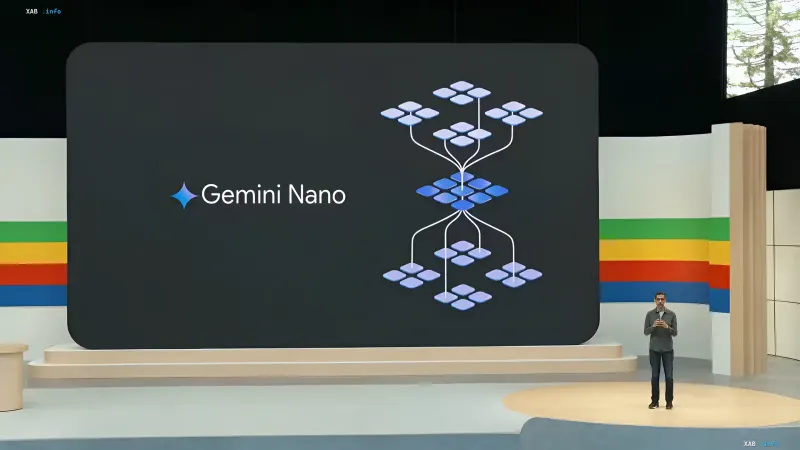
In August 2026, Google Chrome users faced an unexpected situation: the browser began automatically downloading and installing heavy artificial intelligence models onto local devices. The technology in question is Gemini Nano, which, according to Google, is designed to enhance user security and improve browser functionality. However, the installation process went largely unnoticed by most, sparking a wave of discussion within the tech community.
Without Consent: How AI Models Ended Up on Hard Drives
The core of the issue is that Google Chrome started downloading AI model files (specifically .bin files weighing around 4–5 GB) without explicitly requesting user permission. These models are used for the 'On-Device AI' feature, which handles phishing site detection, fraud schemes, and other intelligent tasks. Until recently, the browser did not warn users about the need to allocate disk space, and users could only discover the 'extra' volume when checking free space.
Technical Requirements and Hidden Costs
Google clarified that for the local AI to function correctly, the browser requires not only the model files themselves (4–5 GB) but also a significant buffer of free space—up to 20 GB. This is due to the caching process and temporary files necessary for training and adapting the model to specific usage scenarios. Additionally, activating these features requires a stable internet connection and a sufficiently powerful device capable of processing AI computations in real-time.
Contradictory Data
There is a discrepancy in estimates regarding how critical the 'silent' installation situation is. On one hand, Google representatives claim this is a standard security update practice, similar to automatic antivirus database patches. On the other hand, digital privacy experts (including materials from Digital Trends and Android Authority) point out that the lack of explicit user consent violates transparency principles. Some users note that manually deleting the files does not help—the browser automatically restores them upon the next launch, creating a sense of forced installation.
How to Disable Gemini Nano in Chrome
For those who prefer to control disk space usage, Google has provided a way to disable the feature. In the browser settings, users must navigate to the 'System' section, then 'On-Device AI', and deactivate the corresponding toggle. After this, the browser will delete the downloaded files and stop downloading them again. However, as users note, this solution may be temporary: with the next major Chrome update, the feature may be reactivated without additional notification.
The Future of Local AI in Browsers
The events surrounding Gemini Nano in Chrome have become part of a broader trend of embedding AI directly into client applications. In 2026, competition between browsers has shifted towards intelligent features that work offline. Google, Microsoft, and Mozilla are actively developing their own solutions, but the question of user consent and process transparency remains open. It is expected that in the coming months, regulators may tighten requirements for automatic software installations, forcing companies to reconsider their approaches.