Owners of the Google Pixel 11 smartphone have access to a set of exclusive Android 17 and Google's proprietary artificial intelligence capabilities, a significant portion of which is not brought to the forefront by default. According to Lifehacker, as cited by RBC-Ukraine, many of these settings remain hidden in the standard interface, even though they can noticeably simplify everyday use of the device. We break down where to find these features and how to activate them so that the smartphone works the way the developers intended, rather than the way it is configured out of the box.
The HiLight LED indicator and its hidden capabilities
The back panel of the Pixel 11 features the HiLight LED indicator, designed to notify you of important events without the need to constantly turn on the screen. In the standard system menu, its functionality is limited: the light signal only triggers for notifications from pre-selected contacts and Gemini chats. To expand the indicator's capabilities, developers recommend using the third-party HiLight Studio app. It allows you to link the light signal to any app on the smartphone and individually configure the color palette of notifications, turning the indicator into a universal system of visual alerts.
Pixel 11 camera: color styles and honest zoom
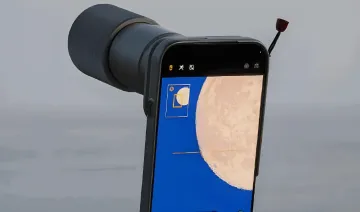
The Pixel 11 series camera has received several tools for more flexible frame processing and preserving their naturalness. The Camera Looks color styles give shots a soft contrast in Natural, Shadows, and Vanilla modes, removing the effect of excessive digital processing typical of modern smartphones. The zoom performance deserves special attention: Pro Zoom magnification (up to 120x) uses generative AI to paint in new details. To preserve realism, developers advise limiting zoom to 30x (Super Zoom) — it improves sharpness only by combining multiple frames, without generating artificial elements.
AI in the frame: Magic Capture and a built-in teleprompter
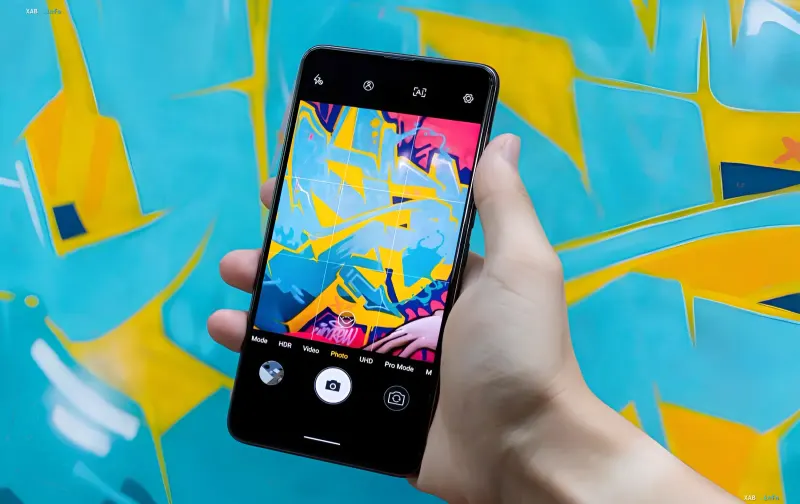
The automatic extraction of photos from video (Magic Capture) feature lets you record video of an event while AI algorithms independently find and save the most successful and sharp photographs from the footage. In addition, the camera app now includes a full-fledged teleprompter, eliminating the need to install third-party software. In the content creator tab (Creator), simply activate the Teleprompter option and insert your prepared text: during video recording, the line automatically scrolls on the screen in sync with the user's broadcast.
Smart text: voice editing and deep search
Two tools have been added to speed up working with information and text. Voice editing, Rambler — an add-on for the Gboard keyboard — recognizes natural pauses, filters out filler words, and lets you correct text while dictating, for example with the phrase "change 14:00 to 15:00." The Pixel Search deep search in the bar at the top of the apps menu allows you to search for information not only in the system but also inside Google Calendar, Drive, Gmail, and Google Photos.
Digital well-being and interface details
To reduce dependence on the smartphone, the "Digital Well-being" settings now include a Pause Point option, offering a mindful pause before opening selected apps. In addition, the system allows you to configure individual vibration patterns for different contacts, and the new "Charge" screensaver mode turns the device into concise desktop clocks during wireless charging. Taken together, these seemingly minor features create a more mindful and controllable user experience on the Pixel 11.