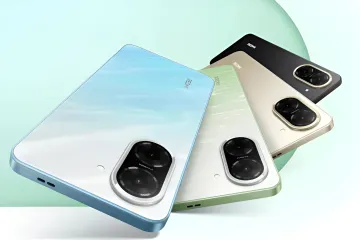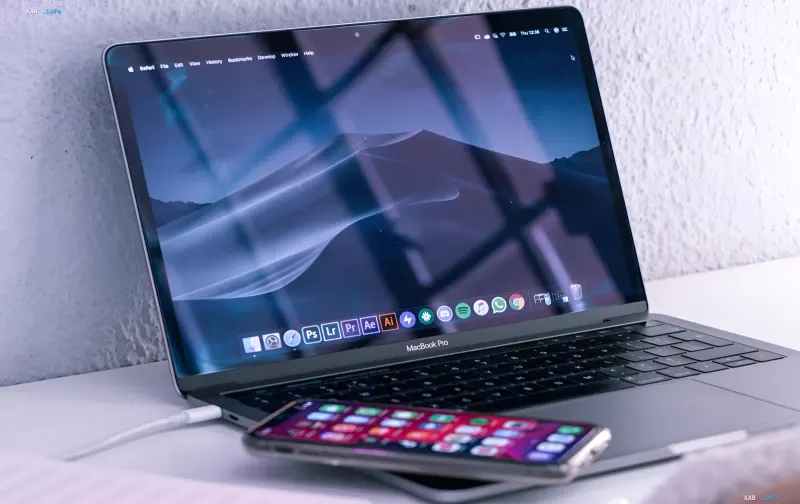
For owners of the Apple ecosystem, mirroring an iPhone screen to a MacBook has long been a standard feature: simply use the built-in iPhone Mirroring or the AirPlay protocol, and the smartphone's display appears on the laptop's larger screen. Android users are left out of this scheme — there is no native equivalent from Google or device manufacturers, and this gap is actively discussed in tech publications. The media outlet RBC-Ukraine, citing BGR, looked into which alternative connection methods actually work and how they differ in terms of capabilities and limitations.
Why Android Doesn't Connect "Out of the Box"
Apple's proprietary mechanisms are tied to its own infrastructure and a single account, so they are not designed for third-party platforms. For Android, this means there is no standard "button" to mirror the screen to a MacBook, and users have to turn to third-party utilities. That said, the task can be solved technically via two main approaches: a wired connection with full device control, or a wireless stream, which is easier to set up but more often comes with limitations in free versions.
Scrcpy: A Free Open-Source Option
The open-source program Scrcpy is completely free and does not require root access, i.e., full administrative privileges on Android. This is its key advantage: the user does not have to modify the smartphone's system to get a screen stream. The utility not only lets you see the screen image but also fully control the smartphone with a mouse, making it convenient for working with the interface on a large display. For those who value transparency and the absence of paid subscriptions, this is the most functional option among those considered.
ApowerMirror: Wireless Connection with Limitations
For those who prefer a cable-free connection, the ApowerMirror app is a good fit. The free version has a number of limitations: session time is capped (up to 10 minutes with the option to restart), the stream resolution is 720p, and a watermark is overlaid on the image. Despite all these caveats, the app works stably and covers the basic need for wireless Android screen mirroring to a MacBook without cable connections.
What Should the User Choose
The choice between the two methods comes down to priorities: if free cost, no root access, and full mouse control matter, it makes more sense to go with Scrcpy. If what matters is precisely the wireless setup and you are ready to accept limits on time, resolution, and the watermark, then ApowerMirror is the way to go. In both cases, an Android user gets a working alternative to the proprietary iPhone Mirroring, which is absent from their ecosystem.