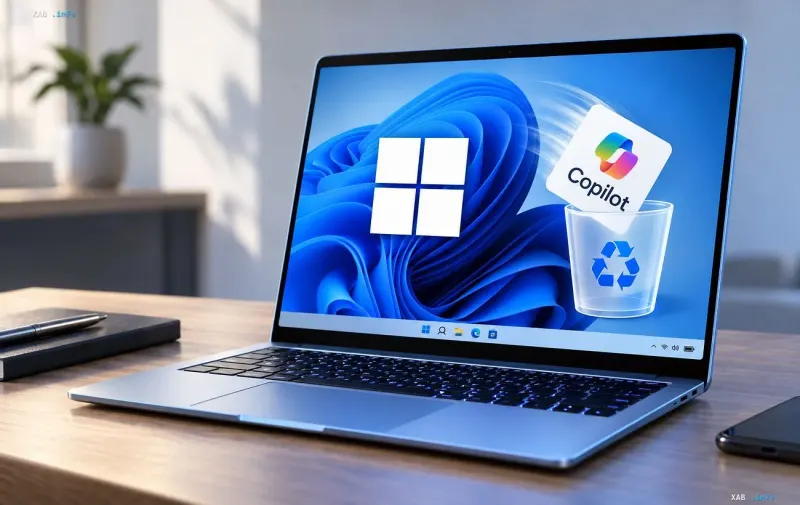
Microsoft is planning a major interface update for Windows 11, which will remove eight artificial intelligence Copilot features from the File Explorer context menu for OneDrive files. According to the corporation's official service announcement, the global disablement process will begin in mid-November and fully conclude by early December 2026.
Reasons for Redesign and Interface Changes
Company representatives explain this decision by their desire to simplify user interaction with the intelligent assistant in File Explorer and consolidate all scattered capabilities into a single entry point. The list of tools disappearing from the right-click menu covers major text and graphic options. Meanwhile, the baseline "Ask Copilot" item will remain in place and open a separate dialog box with the pre-attached file for manual task entry.
Feature Availability and OneDrive Operations
It is important to note that the eight removed actions will not disappear completely; they will continue to function through the specialized OneDrive activity center. All files attached to requests will now be transmitted via a link, preserving original permission settings and system protection. System administrators of corporate networks will not need to take special measures, but experts recommend warning employees and updating internal training materials in advance.
General AI Reduction Strategy in the System
This interface adjustment continues the overall trend of optimizing the presence of artificial intelligence in the Windows 11 operating system. Previously, the software giant paid attention to this issue by removing branded Copilot buttons from standard applications such as Notepad and Snipping Tool. Furthermore, corporate management confirmed plans to allow users to reassign the dedicated hardware Copilot key on keyboards to perform other everyday tasks.
Significance of the Update for Users
Abandoning the cluttered File Explorer context menu will reduce frustration among users facing excessive AI tool integration. Moving to a single entry point makes the interface more concise while retaining all necessary functionality for working with OneDrive cloud storage. Such steps are expected to help the company strike a balance between implementing modern technologies and the convenience of daily OS usage.