
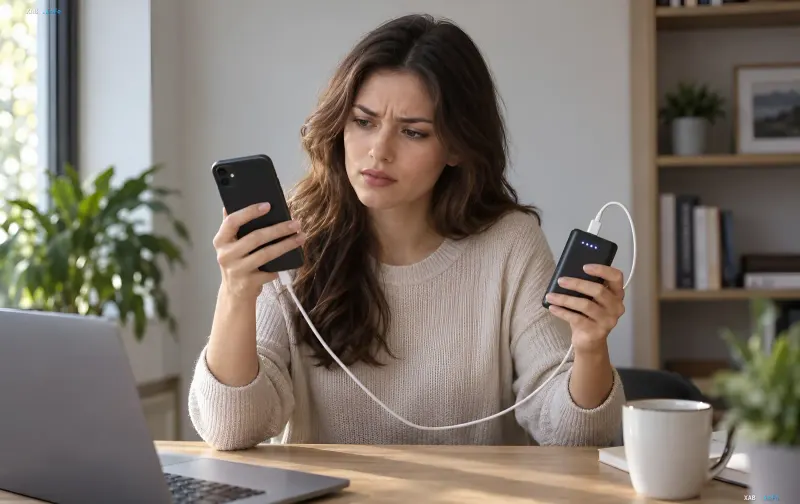
The situation where an external battery suddenly stops delivering power even though the indicator still shows a significant remaining charge happens much more often than commonly thought. It is important to separate two scenarios right away: automatic shutoff due to electronic logic (which is normal behavior) and a real malfunction requiring repair or disposal. In most cases, the problem can be resolved with simple checks without contacting customer service.
The Indicator Doesn't Always Tell the Truth
The percentages on a power bank's screen are an estimate, not a precise measurement. The indicator can hold a steady value for a long time and then suddenly drop significantly. As Cygnett explains, such behavior usually indicates display inaccuracy rather than battery damage. For a number of models, manufacturers provide a display calibration procedure: if the readings regularly fluctuate erratically, it is worth checking the specific device manual.
Why the Power Bank "Doesn't See" Low-Power Devices
Some models automatically stop power delivery if the connected gadget draws too little current. In this case, the electronics interpret the situation as if nothing is plugged into the USB port. According to UGREEN representatives, typical victims of this mechanism include wireless headphones, smartwatches, and fitness trackers. Several devices feature a Low Current or Trickle Charging mode, allowing low-power equipment to charge without premature shutoff; how to enable it depends on the model.
Protective Electronics and Overheating
If the power bank gets excessively hot or the load exceeds permissible limits, the built-in protection may simply cut off the power supply. Belkin notes that individual models are equipped with overcurrent, short-circuit, and overheating protection, and if any of these functions trigger, the device automatically stops charging. If the casing is noticeably warm, safely disconnect the connected gadgets and let the device cool down, avoiding repeated attempts to turn it on while the issue persists.
Cables and Ports as Frequent Culprits
A faulty cable, dirty port, or unreliable contact can interrupt charging even with a fully working battery. The diagnostic logic is simple: try another working cable, check the connection tightness, and use another USB port if available. If charging is interrupted with only one specific cable or port, the problem is most likely with it, not the external battery.
When It Is Time to Contact Service
If the casing is undamaged, the device is not overheating, and there is no unusual odor, start with the simple checks and display calibration listed above. However, if the power bank continues to shut off with different cables and various devices, the cause may be worn-out battery cells or electronic failure. In this case, it is wise to contact the manufacturer or a service center rather than continuing to push the device to its limits.
Safety: Signs of a Damaged Battery
Not every automatic shutoff is dangerous, but a number of signs indicate battery damage. The Australian government agency Product Safety recommends stopping the use of a power bank if it is swollen, deformed, or overheating; power should be disconnected only if safe to do so. If the device starts smoking or catches fire, you must leave the room, warn others, and call emergency services, without attempting to carry a burning or heavily smoking battery. A damaged power bank must not be disassembled or attempted to be repaired independently, and lithium batteries must not be thrown in regular household trash—they should be taken to a specialized collection point after verifying whether damaged elements are accepted.