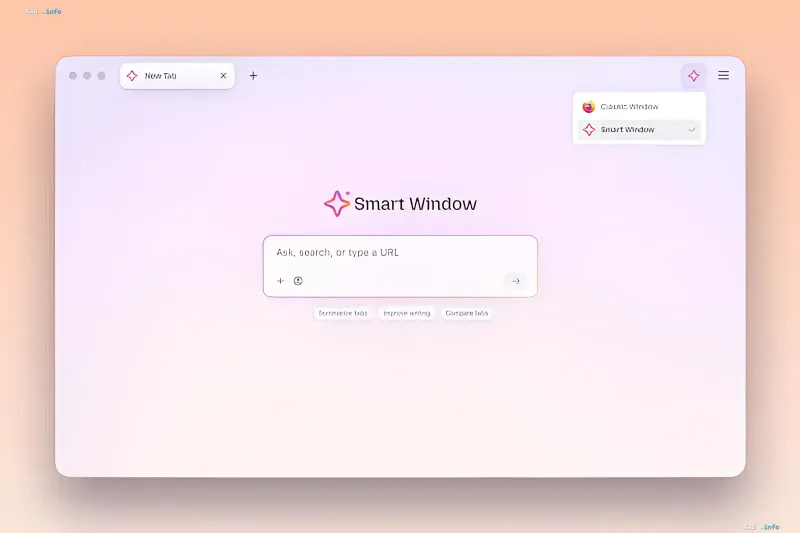
Mozilla has released an update for Firefox Smart Window, a suite of AI-powered features built directly into the browser. The new version introduces two capabilities: automatic online form filling based on data from open browser tabs, and delegating AI to track webpage content. Both features are already available in the desktop Firefox beta for users in the US and Canada, with a global rollout expected in the coming months.
Filling forms from open tabs
The main new feature allows the browser to extract information from open tabs and insert it into web forms. A typical scenario involves a user opening their online portfolio or LinkedIn profile, then navigating to a job application page. Firefox Smart Window can pull work experience details from open sources and populate the application fields. For the "Fill from sources" option to appear, the form must contain at least four text fields, prompting the browser to display a list of tabs from which it can pull data.
How the mechanism works and its limitations
Users retain full control over the process: they can select desired tabs or exclude unwanted ones, after which Firefox suggests completion options based on the found information. At this stage, the feature works exclusively with text fields in web forms; support for dropdown menus and PDF files is promised in upcoming updates. Technically, data from source pages is transmitted to the Google Gemini 3.1 Flash Lite model, which generates text hints to fill the fields.
Tracking website changes
The second new capability is setting up webpage monitoring to avoid missing discounts, new job openings, and other updates. To use this, users type the "/watch" command in the Smart Window chat, describe what needs to be tracked, and specify the pages to observe. Firefox will check for updates daily or weekly—importantly, the check only runs while the browser is actively open. Upon discovering the desired changes, the browser displays a notification on the Tasks button in the toolbar or directly on the desktop if system notifications are enabled.
Pause and termination logic for monitoring
To prevent accumulating inactive tasks, Mozilla has built-in automatic cleanup logic. If no changes are detected on tracked pages for 60 days, Firefox will pause monitoring. If no changes occur for 90 days, tracking is terminated entirely. This approach keeps the task list relevant without requiring manual management.
Geography and availability timeline
Both new Smart Window features are currently available in the desktop Firefox beta and restricted to users in the US and Canada. Mozilla has announced the rollout of these features to other regions in the coming months. Thus, the update continues the trend of integrating AI tools directly into the browser interface, transitioning them from one-off suggestions to automated workflows for handling forms and site content.