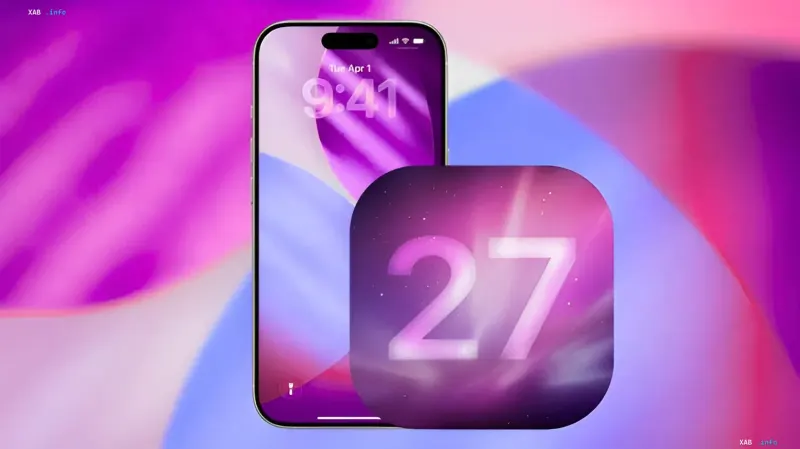
Apple has officially released the first public beta version of its latest operating system — iOS 27. This means the update is now available for installation on devices for everyone, not just registered developers.
What's New in iOS 27?
In this update, the company has introduced a number of significant changes. The main innovation is a new version of the intelligent assistant Siri, which has received significant improvements in query processing and system integration. Additionally, Apple engineers focused on general device optimization, which should positively affect interface responsiveness and energy efficiency. The build also includes various bug fixes and refinements that were previously discussed in separate materials.
How to Install iOS 27 Public Beta 1
You can download and install the update right now over-the-air (OTA). To do this, the user simply needs to perform a simple sequence of actions in their device menu:
- Open the "Settings" app.
- Go to the "General" section.
- Select the "Software Update" item.
- In the list of available updates, the line "iOS 27 Public beta" will appear.
After selecting the corresponding item, the system will offer to download and install the new version of the operating system.