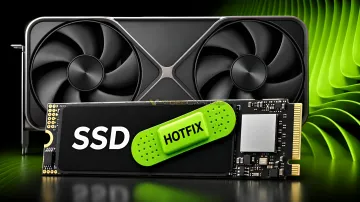

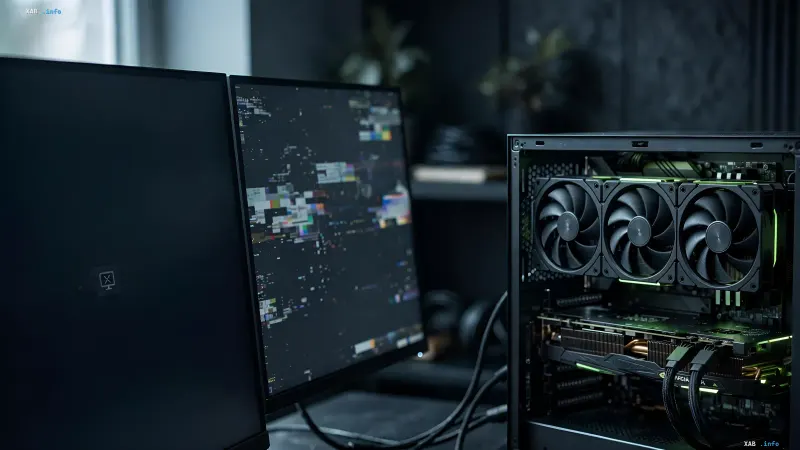
Nvidia released the GeForce Game Ready 621.40 update, which was supposed to address one of the most unpleasant problems for PC owners: the graphics driver in previous versions continuously wrote data to the storage drive, accelerating SSD wear. However, according to ixbt.com, the fix for the storage issue turned into new failures — immediately after installation, users of RTX 50 series graphics cards began experiencing black screens when turning on their computers, random signal loss, and external monitor failures. Thus, the storage problem was eliminated, but the stability of image output was called into question.
Failures across all output interfaces
User complaints cover several image transmission channels at once: DisplayPort, HDMI, and USB-C. According to owners, the monitor is periodically not detected when connected or fails to wake from sleep mode. One RTX 50 user noted that the external screen fails to appear in about half of cases, and restoring the image requires reconnecting the cable or rebooting the computer. Such instability makes the driver unsuitable for everyday work and gaming on systems with the latest generation of graphics cards.
Multi-monitor configurations and artifacts
A separate group of problems involves multi-screen configurations. Users report brief flashes of colored artifacts on additional monitors connected via DisplayPort — HDMI adapters. The failures occur at the moment when the graphics card lowers the video memory frequency in idle mode. Notably, rare similar manifestations were present in previous driver versions 621.14 and 621.24 as well, indicating a systemic rather than isolated quirk of the image output firmware.
Recommended rollback and removal order
As a working solution, users recommend abandoning version 621.40 and reverting to the GeForce Game Ready 617.42 build, which the authors of the publication call the most stable for RTX 40 and RTX 50 graphics cards in terms of the absence of both SSD problems and black screens. To properly remove the problematic driver, it is recommended to use the Display Driver Uninstaller (DDU) utility in Windows safe mode, which allows completely clearing remnants of the old firmware before installing the stable version.
Context and data limitations
At the time of publication, no official comments from Nvidia regarding the mass failures in version 621.40 are provided, and the picture is built primarily on the basis of user reports and materials from specialized publications. Some publications, for example materials from hi-tech.mail.ru, discuss a different build — 616.56 — and the flickering associated with it in 8-bit mode, which is unrelated to the version 621.40 under consideration and does not confirm the symptoms described above. Until an official patch or clarification from the manufacturer appears, owners of RTX 50 with unstable image output would do well to use the proven 617.42 build.