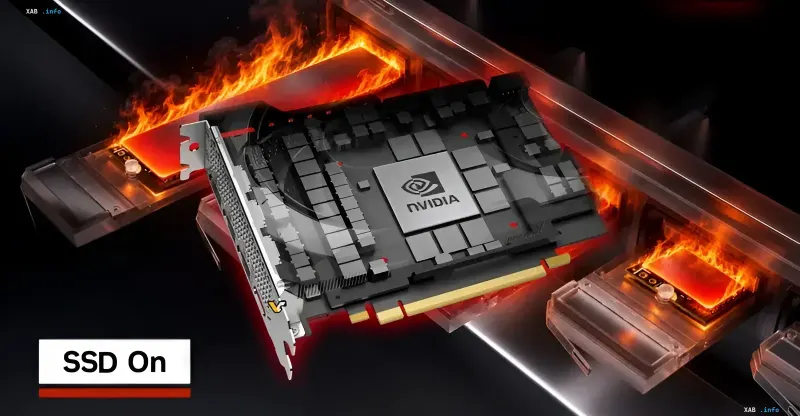
GeForce graphics card owners are reporting excessive write activity on their system SSDs, which they link to Nvidia drivers. According to users, the issue affects the 'Nvidia Display Container' service: the NVDisplay.Container.exe process continuously writes data to the disk even when the computer is idle. Some users report that the volume of written data reaches 30 GB per hour. Data gathered by the TroubleGrid resource and discussions on official Nvidia forums indicate that the NVDisplay.Container.exe process is specifically responsible, constantly writing information into the nvlog.nvlgstg binary log file inside the Nvidia Corporation directory within the ProgramData folder. Instead of appending new data, the process apparently overwrites the entire file, leading to multiple disk write operations.
Connection to Driver 621.14 and Recorded Volumes
Users link the increased SSD overwrite activity to the GeForce version 621.14 driver released on November 4. During one test, it was recorded that about 500 MB of data was written by the process in five minutes of system idle time, whereas using driver 621.01 this figure was less than 2 MB. Another user reported writing over 3 GB of data in ten minutes, and in another case involving driver 621.24, a figure of about 30 GB per hour was mentioned. Importantly, these figures reflect the activity of a specific process and do not necessarily correspond to the exact same volume of physical data written to the SSD.
The Problem is Not New and Not Always Related to ShadowPlay
The issue can manifest even on systems where Nvidia's video recording and overlay functions are disabled. Some users noted a decrease in disk activity after disabling ShadowPlay-related features, but for others, the problem persisted. Similar complaints about background logging by Nvidia have appeared in past years, indicating that this software behavior is not new, nor is it exclusively the result of a specific update.
How to Check Activity and Temporary Workarounds
Users facing this problem can check disk activity using Windows 'Resource Monitor': under the 'Disk' tab, look for the NVDisplay.Container.exe process. Some users managed to temporarily reduce the write volume by stopping the 'Nvidia Display Container LS' service, deleting the problematic log file, and restarting the service. Others report that rolling back to driver version 621.01 solves the issue. However, completely disabling this service can disrupt the Nvidia Control Panel and Nvidia App, so such measures should be applied with caution.
Context: AMD Has Already Released a Fix, Nvidia Has Not Publicly Responded
AMD recently resolved the issue of excessive system disk writes by releasing the Adrenalin 26.11.1 driver on November 12, which fixed the exact same problem with Radeon graphics cards. Nvidia has not yet publicly responded to incoming reports, and this issue is not mentioned in the release notes for its latest 621.24 driver. Thus, GeForce users are currently without an official fix and are forced to rely on rolling back to an earlier driver version or using temporary workarounds.