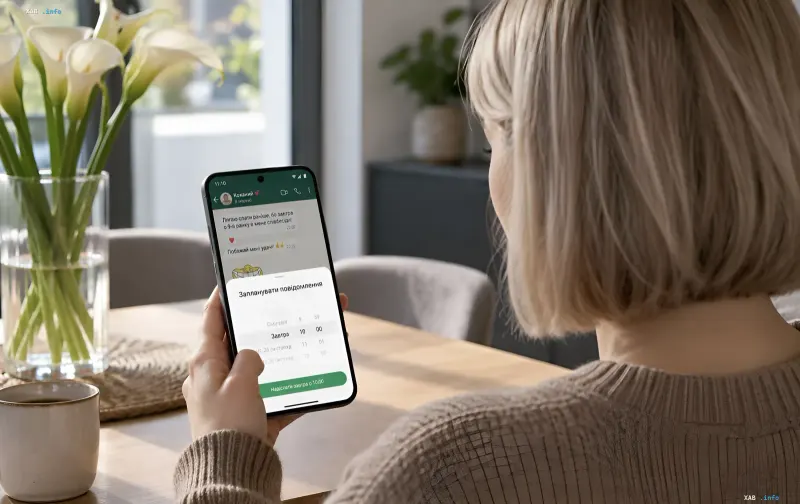
On Wednesday, November 25, WhatsApp began the global rollout of message scheduling for individual and group chats for iOS and Android users. This is one of the most anticipated features of the messenger, which was previously available to only a limited circle of users and is now being released to a wide audience on both mobile platforms. Simultaneously, an experimental sound sticker creation feature has appeared in the public beta for Android, expanding the platform's multimedia capabilities.
How Message Scheduling Works
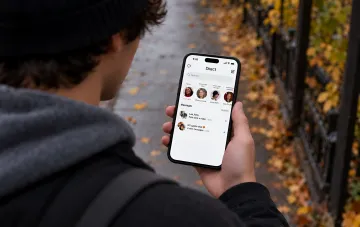
The mechanics of using the feature are extremely simple: a user just needs to type the message text and hold down the send button, after which an interface for selecting a date and time will open. According to sources, the scheduling range is from 10 minutes to 14 days in advance, allowing for flexible delivery timing for both short-term and long-term tasks. The scheduled message will be sent automatically at the specified time, even if the user is not in the app at that moment.
Who It Is Useful For
The developers emphasize that the tool is targeted at several practical scenarios. First, it enables timely greetings for birthdays and other dates without needing to remember them manually. Second, it facilitates communication between people in different time zones when it is crucial for a message to arrive at a convenient time for the recipient. Third, it aids in team work coordination and business mailings to clients, where the exact timing of dispatch is critical for communication efficiency.
Competitive Context
It is worth noting that competitors offered similar capabilities much earlier: Telegram and Signal have long supported scheduled message sending. Thus, WhatsApp is catching up with core features that have become standard in the messaging segment and is addressing one of the most frequent requests from its audience. This intensifies competition in the communication app market and raises the bar of expectations for major platforms.
Sound Stickers in Beta
Separately, in the public WhatsApp beta, according to WABetaInfo, an experimental sound sticker creation feature has appeared in update 2.26.41.3 for Android. To create such a sticker, users need to open a chat, tap the sticker icon, select Create sticker, and choose a video from their gallery, which the messenger will automatically turn into a sticker. Next, a Sound icon appears in the top menu, opening the Add sound screen where users can keep the original sound from the video, record a voice message, select another audio file, or choose a ready-made sound from their phone's memory. The finished sticker can be saved and sent to any chat. Applications for testing can be submitted via Google Play.
Limitations and General Release Timeline
Since the sound sticker feature is in the experimental stage, it may not be available to all beta testers, and WhatsApp has not yet announced a timeline for its wide release. The scheduled messages feature, by contrast, is already rolling out globally, though its appearance on specific devices may happen in waves, as is typical for large-scale messenger updates.