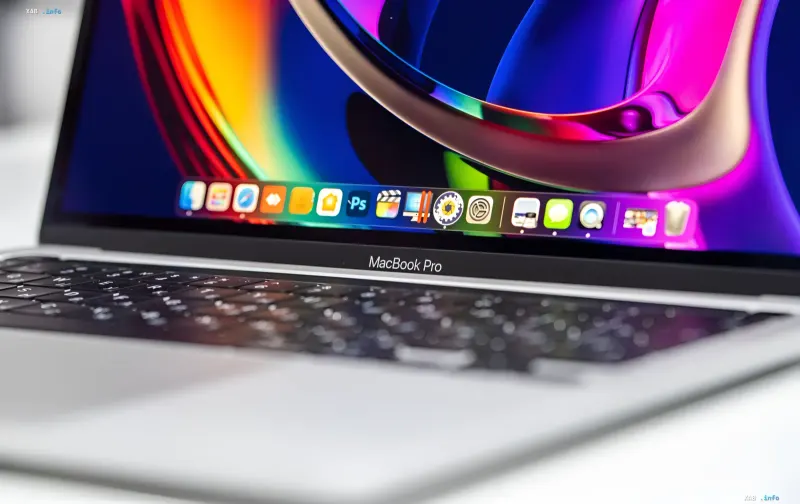
Apple has officially released a new operating system for its computers — macOS 27 Golden Gate. The main focus of the update is the deep integration of the Siri AI intelligent assistant and a conceptual refresh of the interface. Unlike mobile devices, on Mac computers the updated Siri has access to a broader working context, allowing it to perform tasks that are unavailable on iPhone and iPad.
Siri AI and on-screen content analysis
The key new feature is on-screen content analysis: the assistant can be invoked anywhere on the desktop to summarize, analyze open pages, or find similar products. Developers have added convenient hotkeys: the Command+Shift+Space combination adds the focused window to the AI context, while Command+Shift+6 activates a precise screen-area selection tool for instant search or contact creation.
Deep search and text editing
The Spotlight search bar has become a deep-search tool: you can now issue direct queries to Siri AI, search the web, and filter data by category — apps, files, actions, or the clipboard. The system can find document numbers or details of upcoming trips directly in emails and files. In addition, Siri AI is integrated into text fields: the assistant proofreads, improves, or completely rewrites selected text fragments right inside working applications.
Safari and Finder gain AI features
The Safari browser has gained an AI page-change tracking feature, which lets you monitor price drops or privacy policy updates even on sites without RSS support. There is also automatic tab sorting by topic, and in Finder — smart name suggestions when saving or renaming files.
Liquid Glass interface and compatibility list
The visual side of macOS 27 Golden Gate features updated Liquid Glass–style icons with adjustable transparency via a dedicated slider. Developers have made the window corner radius uniform across all apps, stretched side panels edge to edge, and brought back colored icons. Important: the update is available only for computers with Apple Silicon processors — MacBook Air and Pro models from 2020, iMac from 2021, Mac mini from 2020, Mac Studio, Mac Pro from 2023, and the new MacBook Neo.
How to install macOS 27 Golden Gate
The system can be installed via the “System Settings” → “General” → “Software Update” menu. Thus, Apple has bet on making the AI assistant not a separate application, but a cross-cutting layer embedded into search, the browser, the file manager, and text editors.