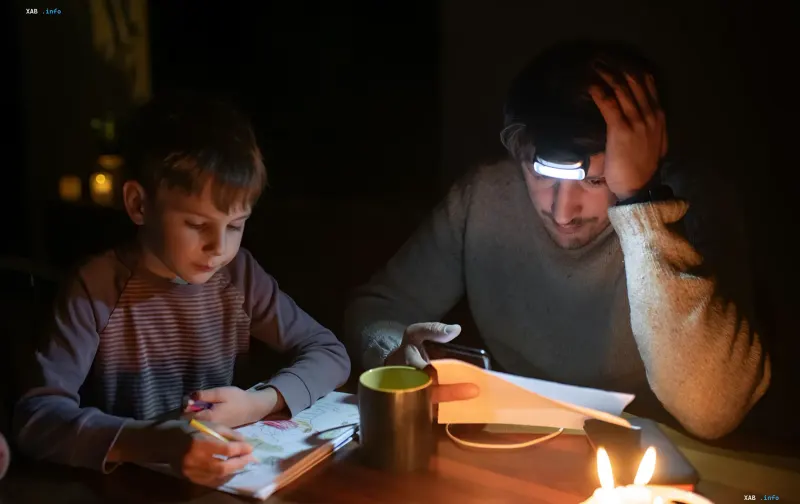
Massive power outages and the threat of recurring energy disruptions require citizens to prepare thoroughly and in advance for the challenging autumn-winter season of 2026. Maintaining critical mobile connectivity and home internet during blackouts is entirely possible using accessible technological solutions and simple rules of digital hygiene.
National Roaming and Traffic Saving
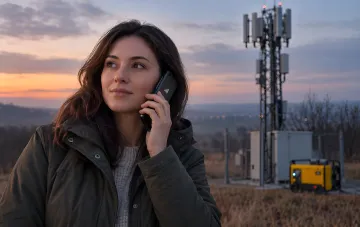
When the base stations of your mobile operator shut down due to overload or emergency power cuts, subscribers can manually and free of charge switch to another operator's network that continues to function stably. To do this, go to the network settings menu on iOS or Android devices, disable automatic selection, and forcibly connect to any available alternative network. Additionally, it is recommended to enable traffic-saving modes such as Low Data Mode on iPhone or Data Saver on Android to completely block background app updates and minimize the consumption of scarce gigabytes.
Offline Navigation and Bluetooth Messengers
In situations where mobile internet and cellular coverage disappear entirely, users can efficiently navigate the terrain and communicate within a radius of up to one hundred meters without access to the global network. Experts advise downloading offline maps of regions and cities in advance using mobile applications or utilizing specialized services like Maps.me. Furthermore, Bluetooth mesh-mesengers (such as Bridgefy, Briar, or Two Way walkie-talkies) are perfectly suited for emergency communication, allowing text messages to be transmitted in a chain between users' smartphones even during a complete lack of centralized electricity.
Connecting Home Internet via GPON Technology
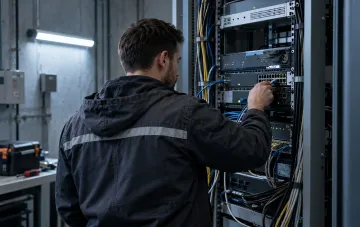
The primary and most reliable way to maintain full high-speed home internet without electricity remains the use of fiber-optic cables. GPON (Gigabit Passive Optical Network) or FTTH technologies are brought directly into the subscriber's apartment and are capable of operating seamlessly during prolonged outages (from 8 to 24 hours), provided that the provider's equipment at the distribution station is equipped with autonomous generators or powerful storage batteries.
Powering Network Equipment Using Mini-UPS
To power a home router and optical terminal (ONU) from a standard external battery without purchasing expensive charging stations, you can use a budget USB-to-DC voltage converter cable or a specialized mini-uninterruptible power supply. A standard power bank outputs 5 V, while most routers require 9 V or 12 V. It is enough to check the technical specifications on the bottom panel of the router, select the appropriate step-up cable supporting Power Delivery technology, and connect the equipment to the power bank for uninterrupted network access.