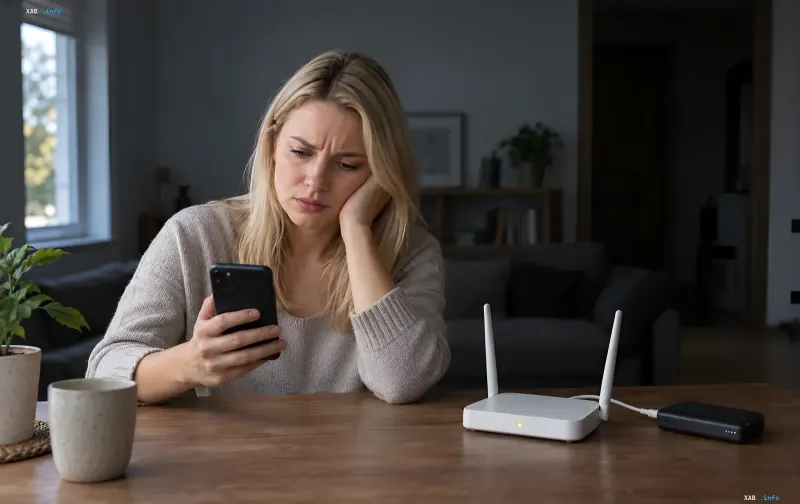
When power outages occur, many home internet users hope that connecting their router to a power bank will save the day. The phone displays the Wi-Fi icon, but websites don't load, and messages don't send. The XAB.info editorial team has looked into why this happens and what you can check yourself, based on the recommendations of ISPs and networking equipment manufacturers.
The Wi-Fi Icon Does Not Mean Internet Access
A router can create a local home network even in the total absence of Internet access. The Wi-Fi icon on your smartphone screen only confirms that the device is connected to the router's local network, but it does not guarantee that there is a connection to the global network behind it. This is precisely why, during power outages, your phone might "see" your home Wi-Fi while being unable to open a browser or send a message.
Backup Power: The Requirements of GPON
As the ISP Simnet explained, for GPON technology to function during a power outage, backup power is required not only for home devices but also for the ISP's equipment. If the optical terminal and Wi-Fi router are installed as separate devices, both require power. In some locations, the functions of the terminal and the router are combined in one casing, which simplifies the task but does not eliminate the need for power at the ISP's node.
What to Check Before Resetting Settings
TP-Link guidelines recommend first determining whether the problem is occurring on one specific device or on all of them at once. This allows you to distinguish between a client failure and a breakdown of the entire home network. Separately, manufacturers warn: do not press the RESET button unless absolutely necessary, as restoring factory settings deletes the connection parameters previously configured by your ISP, and the internet will not return without re-configuration.
Router Power: Voltage, Current, and Cables
An article by Maxnet emphasizes that voltage, current, and cable specifications are critical for the stable operation of a router. These parameters are indicated on the device's casing or on the original power adapter. Connecting a router to a power source with improper voltage can damage the equipment. If the device reboots constantly or shuts down during operation, you should check the cable and the power bank's actual current and capacity capabilities.
When the Power Bank is Powerless: The ISP Network
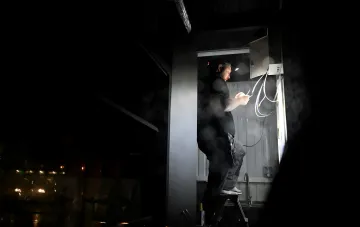
Even with a stable power supply for home equipment, the internet may not work due to power outages in the ISP's network. Kyivstar has explained that home internet equipment is sometimes located in neighboring buildings. If there is no electricity in those buildings or the backup batteries have drained, the connection may disappear even in a house where there is power. In such cases, an additional home power bank will not restore the signal.
The Autonomy Map and Contacting Your ISP
If the internet still has not appeared after checking the equipment and restarting it, it is recommended to contact your ISP to find out if the network is operating at your address during the outage and if there is an accident. You can check the stated network autonomy on an internet map for power outages. According to the Ministry of Digital Transformation, the service covers more than 150,000 addresses. However, data on the duration of autonomous operation is provided by the ISPs themselves, so the actual availability of the internet may differ from what is stated.