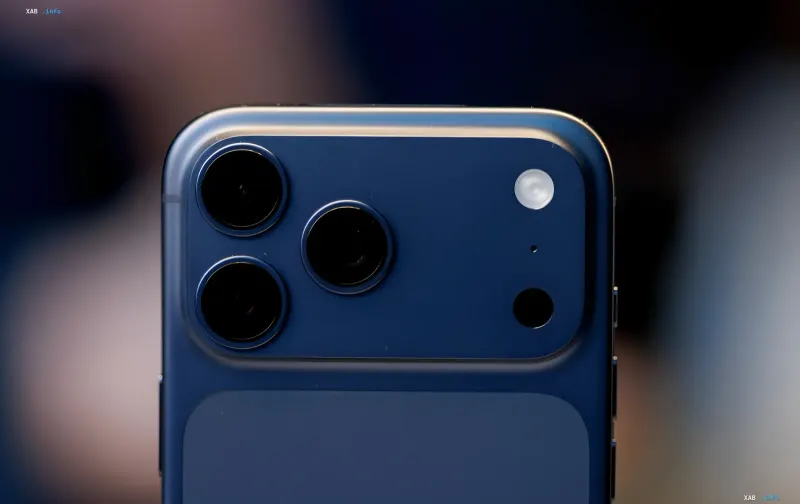
With the release of iOS 27, Apple introduced deep integration of its updated AI-powered Siri. The voice assistant has become significantly more functional, offering personalized responses, but this expansion has led to the need for access to a colossal volume of personal user data. A key element of this architecture is the App Intents framework, which allows Apple Intelligence neural network algorithms to analyze the contents of third-party applications directly on the device.
How Data Access Works
By default, the smart assistant indexes information in standard programs like Notes and Messages. With the advent of App Intents support by third-party developers, Siri has gained the ability to scan data in their products as well. To process the most complex requests, the system uses a hybrid model: some tasks are performed locally on the iPhone chip, and the most energy-intensive calculations are transmitted to the Private Cloud Compute infrastructure, which raises legitimate user concerns about the security of personal correspondence.
Managing Privacy
. Despite Apple's claims that data in the cloud is neither stored nor indexed, device owners can independently limit the AI's reach. In iOS 27 settings, you can manually disable indexing for each specific application. After deactivating access, Siri loses the ability to extract information, search, or summarize chat contents in selected programs. This is a crucial step for those concerned about the automated analysis of their notes.Context Recognition Nuances
It is important to remember that even after restricting app access, Siri retains the ability to "see" the screen using context recognition. This technology analyzes screenshots and images, which is convenient for translating long articles, but effectively means that visual data remains available to the algorithms. In addition, users are encouraged to check the privacy settings section regarding the transmission of audio recordings for Apple model training.
Contradictory Data
There are discrepancies in the assessments of AI configuration convenience. While official Apple guides emphasize system flexibility, sources like pravda.ru highlight that in iOS 27, the process of disabling Apple Intelligence requires individual configuration for each tool, which can be exhausting for the average user. In turn, reports from South Korea confirm the system's high accuracy in recognizing sensitive data such as passport details, underscoring the need for strict access control.
For radical data protection, users can completely deactivate the voice assistant or restrict its operation via the Screen Time menu, returning the device to classic usage mode.